

Design System
Building Lastro, Barte's AI-first design system
How we built Lastro, Barte's design system, with an AI-first approach — the decisions, trade-offs and lessons we learned along the way.
The problem every lean team knows
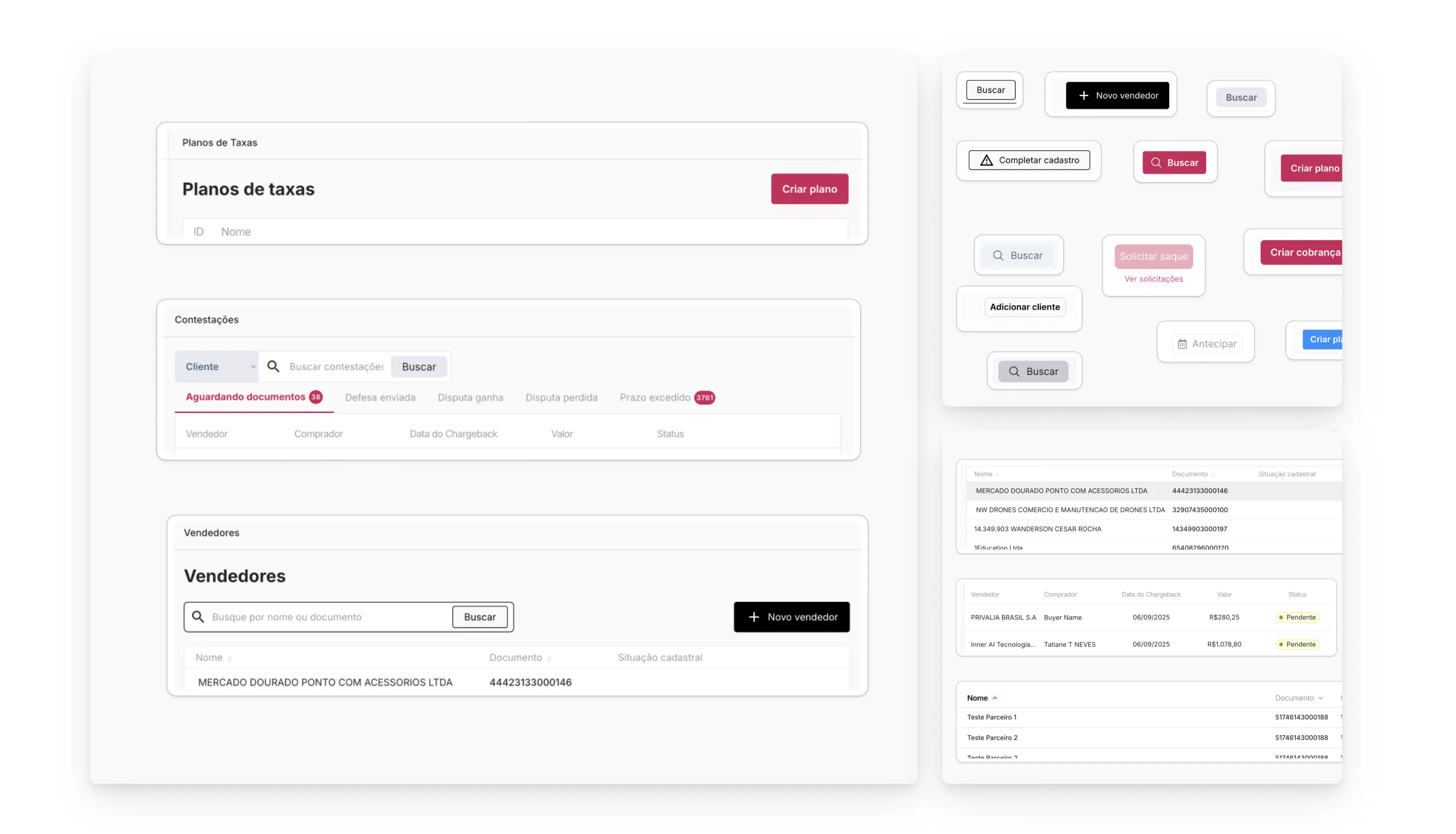
Barte grows fast, and our digital ecosystem grows with it. Over time, we piled up experience debt: components that looked alike but weren’t identical, spacing decided by eye, and screens reinventing patterns that already existed elsewhere in the product.
It started with a product vision
Before writing a single line of code or settling on a solution, the first step was to define a product vision. We needed to normalize the experience across our portals and establish a visual interface standard: what Barte looks like, how our products behave, and what consistency users can expect as they move between them.
A design system emerged as the natural answer to that vision, since it is the most consistent and efficient way to sustain such a standard at product scale. The question became how to build it.
The traditional answer would be to assemble a dedicated squad (designer + devs), set aside 6 to 8 months and build it component by component. We had neither the team nor the time. So my plan was to take a different approach.
It was late 2025 and the hot topic in the design community was building a design system in 2 hours. Through black magic, I assume. So I dug into research, talked to a few people in the market and brought in a specialist to help us with the project.
The goal was to build a design system that met our current needs, on the principle of using AI for the high-volume work and concentrating human effort on architecture and decisions.
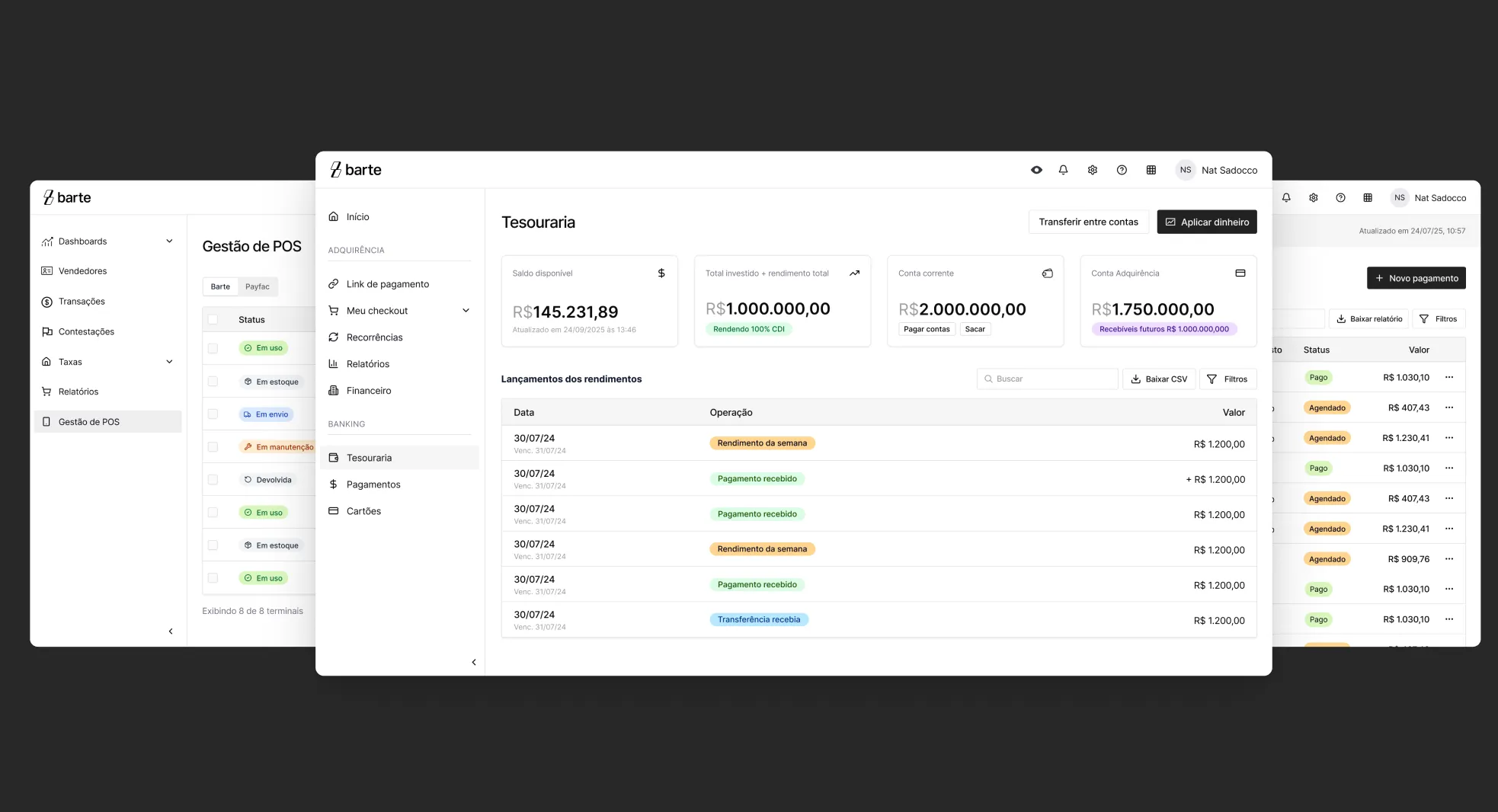
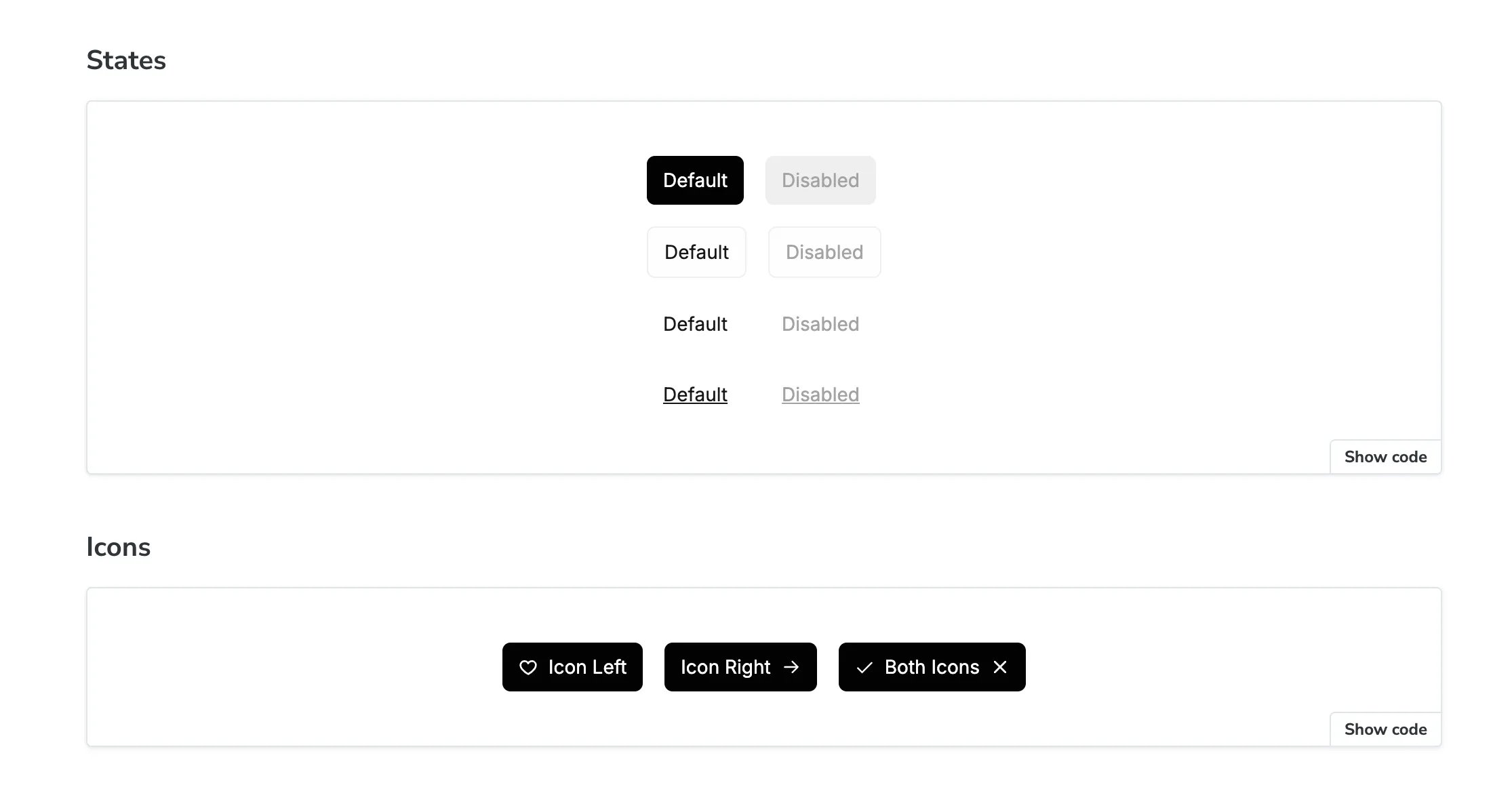
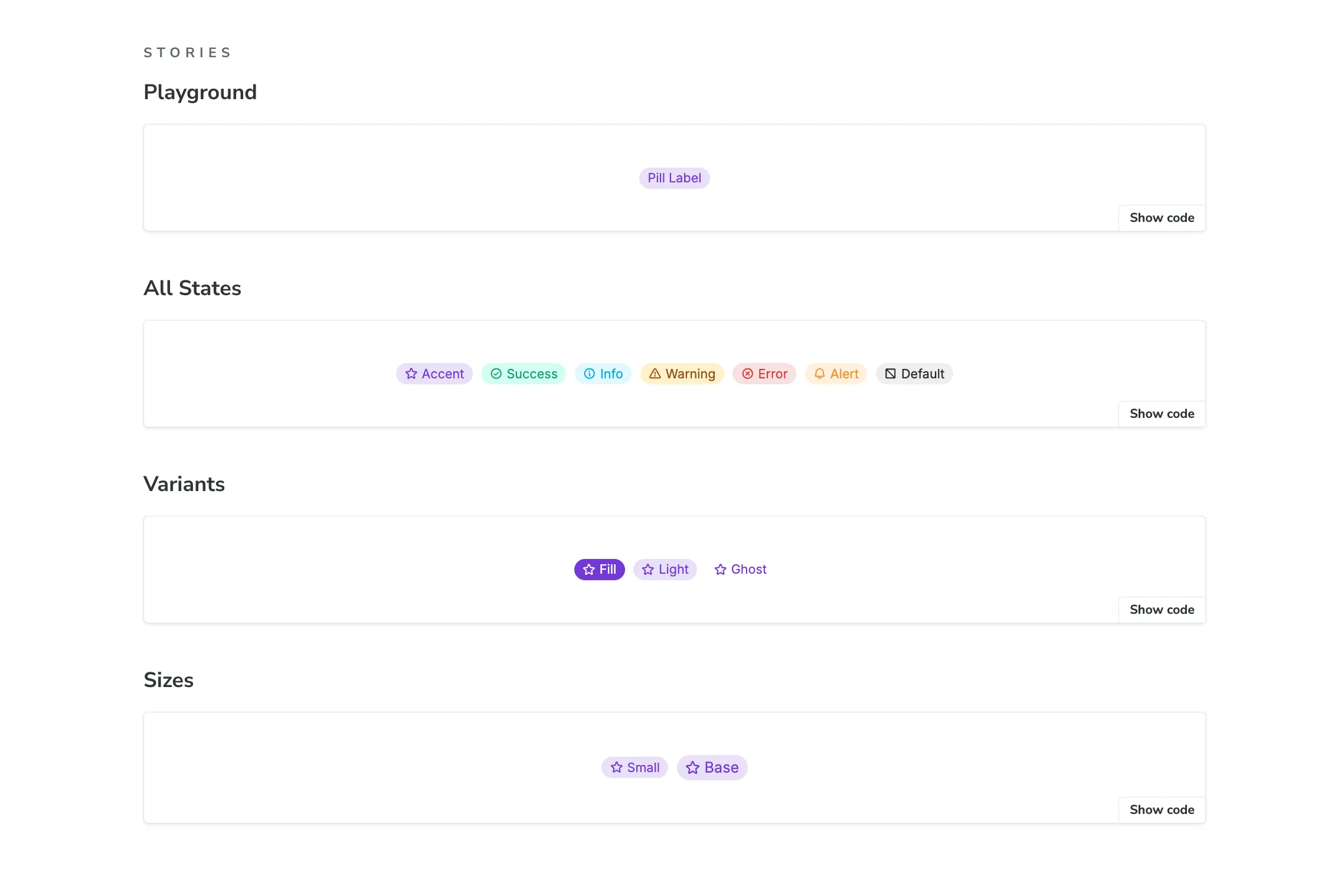
Two months later, Lastro was born, Barte’s design system: 23 documented components, more than 10,000 lines of 100% TypeScript code, a scalable token architecture and living documentation in Storybook.
AI as the developer, humans as the architect
From the start, we treated AI as a very fast developer — good at executing well-specified tasks, but always paired with a human to decide what matters. That premise defined the division of labor:
- Human: architecture, design decisions, specification, QA and final judgment.
- AI (Claude): boilerplate, repetitive conversions, tests, documentation. Anything that was volume.
We call it the automation pipeline: every step has a clear owner, and the AI never operates without a specification it can follow.
A two-layer architecture
Before automating anything, we needed a foundation that could support scale. We split the system into two independent layers:
Layer 1: Barte Design Tokens (the foundation) An agnostic repository that holds only the “visual truth”: colors, typography, spacing. We use Style Dictionary to turn those decisions into variables consumable by any platform.
Layer 2: Lastro (the logic) A repository of React components that consumes layer 1. Logic is decoupled from style: if the branding changes in the tokens, the whole system inherits the change without refactoring a single line of component code.
This separation may look excessive for a small team, but it is exactly what makes automation safe: the AI can generate components freely, because the source of visual truth stays protected in another layer.
The pipeline: from a Figma variable to an NPM package
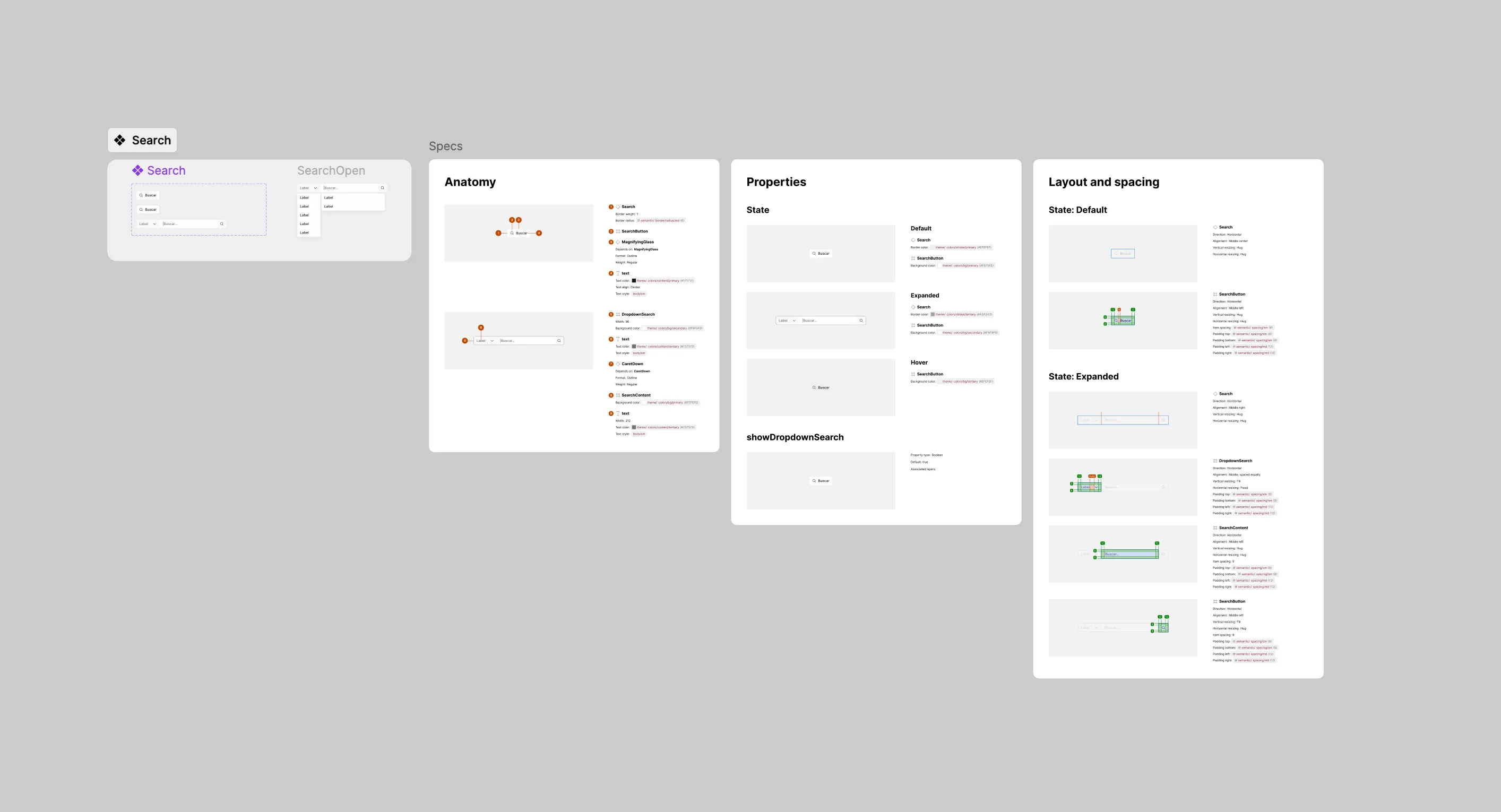
With the architecture in place, we designed a five-step pipeline that turns a design decision into production code:
1. Definition (Figma). Everything starts with the semantic structure of variables and the components designed in Figma. This step is 100% human — it’s where design decisions happen.
2. Extraction (Gladi, our own plugin). We built Gladi Export Tokens, a plugin that scans Figma, converts units (px → rem) and automatically generates the JSON for the token repository, including the semantic palette. A manual, error-prone job became a single click.
3. Orchestration (MCP + agent). An MCP server connects Claude directly to Figma. The agent reads the design’s node structure and generates React boilerplate already consuming the correct tokens, at around 96% accuracy. Human work shifts to review, not typing.
4. Refinement and testing. While we fine-tune the details by hand, a second agent generates the unit tests (Vitest) and the documentation for each component.
5. Publishing. The pipeline versions the package, publishes it to the private NPM registry and updates Storybook. The component is available to any Barte portal that same day.
Skills: turning process into a reusable asset
Halfway through, we realized that automating tasks wasn’t enough: we also needed to structure the knowledge about how to do the tasks.
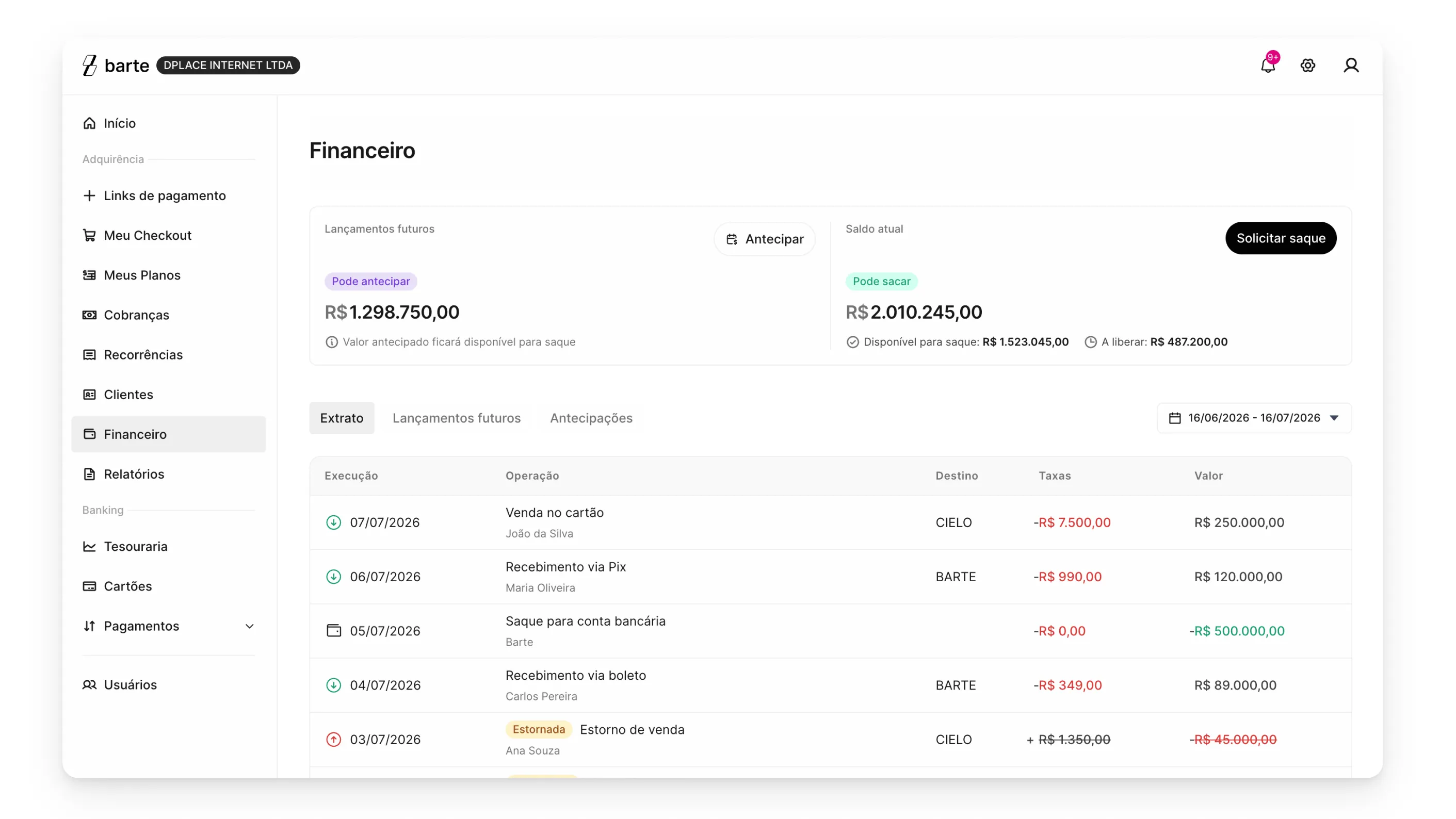
That’s where Claude’s skills came in. A skill is, in practice, a process document the agent loads before working — our design system rules, the tokens, each portal’s patterns and the expected format of a spec.
Today, our design cycle runs on a set of chained skills: discovery (turns raw material into a brief), design (turns the brief into a spec using DS components), prototype (generates the React page in the right repository), review (critiques the prototype like a senior UX designer) and handoff (consolidates everything for engineering).
Notice how the design system stops being just a component library and becomes the source of truth that both people and agents use to build product.
This revealed a valuable side effect: a well-structured design system is the best possible documentation for an AI. Semantic tokens, typed components and explicit rules are exactly the kind of context that makes an agent generate correct code on the first try.
What we learned
1. AI amplifies the architecture it finds, good or bad. Without the layer separation and the semantic token structure, the agent would have generated inconsistency at scale. Automation only worked because the foundation was rigid.
2. Specification became the bottleneck. When generating code costs minutes, the expensive time becomes deciding what to generate. Investing in well-written briefs, specs and skills paid off more than any prompt optimization.
3. Humans don’t leave the loop — they change roles. No one on the team wrote less: we wrote different things. Less boilerplate, more decisions. The role of a designer who gets their hands on code became real at Barte.
4. In-house tools pay off fast. Gladi took days to build and saves hours every week. When AI lowers the cost of building internal tools, the “is it worth building?” calculation changes completely.
Why “Lastro”?
The name wasn’t chosen by accident, and it carries two meanings that complete each other. In Portuguese, lastro means both financial backing and nautical ballast.
In the financial sense, lastro is what gives a currency its value and stability. Foundation and trust — exactly what a payments infrastructure like Barte calls for.
In the nautical sense, it’s the weight that keeps a ship steady. An even better metaphor for what the design system does: while the product moves fast, it’s Lastro that provides the stability to keep it from capsizing along the way.
Next steps
Lastro is a living organism. The next steps include expanding component coverage, refining the Figma-to-code integration and, above all, evolving skills and processes so that more and more of the product cycle — from discovery to handoff — runs on the same vocabulary shared between people and agents.
And that will be the subject of a future article!
